The difference between A2A and MCP is who is on the other end. MCP connects an AI agent to tools and data, such as files, databases or a calendar. A2A connects an agent to other agents, so they can hand work to each other and talk it through.
A2A vs MCP in one paragraph each
MCP, the Model Context Protocol, is a standard way for an AI application to plug into outside systems. The official docs describe it as an open source standard for connecting AI applications to external systems. Anthropic introduced MCP on 25 November 2024. On 9 December 2025 it donated MCP to the Agentic AI Foundation, a directed fund under the Linux Foundation that Anthropic founded together with Block and OpenAI.
A2A, the Agent2Agent protocol, is a standard way for agents to find each other and work together across vendors. Google introduced it on 9 April 2025, the Linux Foundation took it on in June 2025, and on 27 August 2026 it joined the same Agentic AI Foundation.
So the two protocols now live under one roof. The A2A project's own guide to the pair describes it this way: MCP is vertical and gives one agent depth, while A2A is horizontal and connects agents across teams and organisations.
The difference between A2A and MCP, side by side
| MCP | A2A | |
|---|---|---|
| Connects | An AI application to tools and data | An agent to other agents |
| The other end is | A server that exposes tools, data or prompts | Another agent that reasons and replies |
| Typical exchange | A call to a tool, often stateless | A task that can run over many turns |
| How the other end describes itself | The server lists what it offers | An Agent Card at /.well-known/agent-card.json lists skills and an endpoint |
| Introduced by | Anthropic, November 2024 | Google, April 2025 |
| Governed by | Agentic AI Foundation (Linux Foundation) since December 2025 | Linux Foundation since June 2025, Agentic AI Foundation since August 2026 |
The first two rows are the real difference. A tool does what it is told. An agent has its own goal, its own owner and its own limits, so talking to one is closer to talking to a person than to calling a function.
An example with both
The A2A guide uses a car repair shop. A customer's agent talks to the shop's agent about the problem: that is A2A. The shop's mechanic agent runs its diagnostic tools: that is MCP. If a part is missing, the shop's agent asks a supplier's agent for it, and that is A2A again.
A personal version works the same way. To set up a meeting, an agent first checks your calendar for free time, which is a tool job. Then it proposes those times to another person's agent and waits for an answer, which is an agent job.
Which one you need
- If you want an agent to read your files, search your inbox or query a database, that is a job for MCP.
- If you want agents owned by different people or companies to work something out between them, that is a job for A2A.
- Most useful agents need some of both. They read things on your behalf, then talk to someone else.
If you are building agents, the official docs are the right place to start: the MCP documentation and the A2A project's site. This page is not a technical guide.
If you mainly want an AI that works across many of your tools, a general AI app with MCP support will serve you better than Yume. The MCP docs list Claude and ChatGPT among the apps that support it.
Where Yume fits
Yume does a version of each job, without claiming either protocol.
Like a tool user
Your agent reads the apps you choose to connect:
- Gmail and Outlook, where only mail you sent is turned into notes, and notes expire after 180 days.
- Google Calendar and Outlook calendar, as free or busy only, with no event titles.
- Google Docs (the start of your own docs), Excel (names, sheets and header rows) and LinkedIn (name, photo and email).
It reads. It does not send email from your account or edit your files. What it sees and keeps is covered in agent privacy.
Like an agent talking to agents
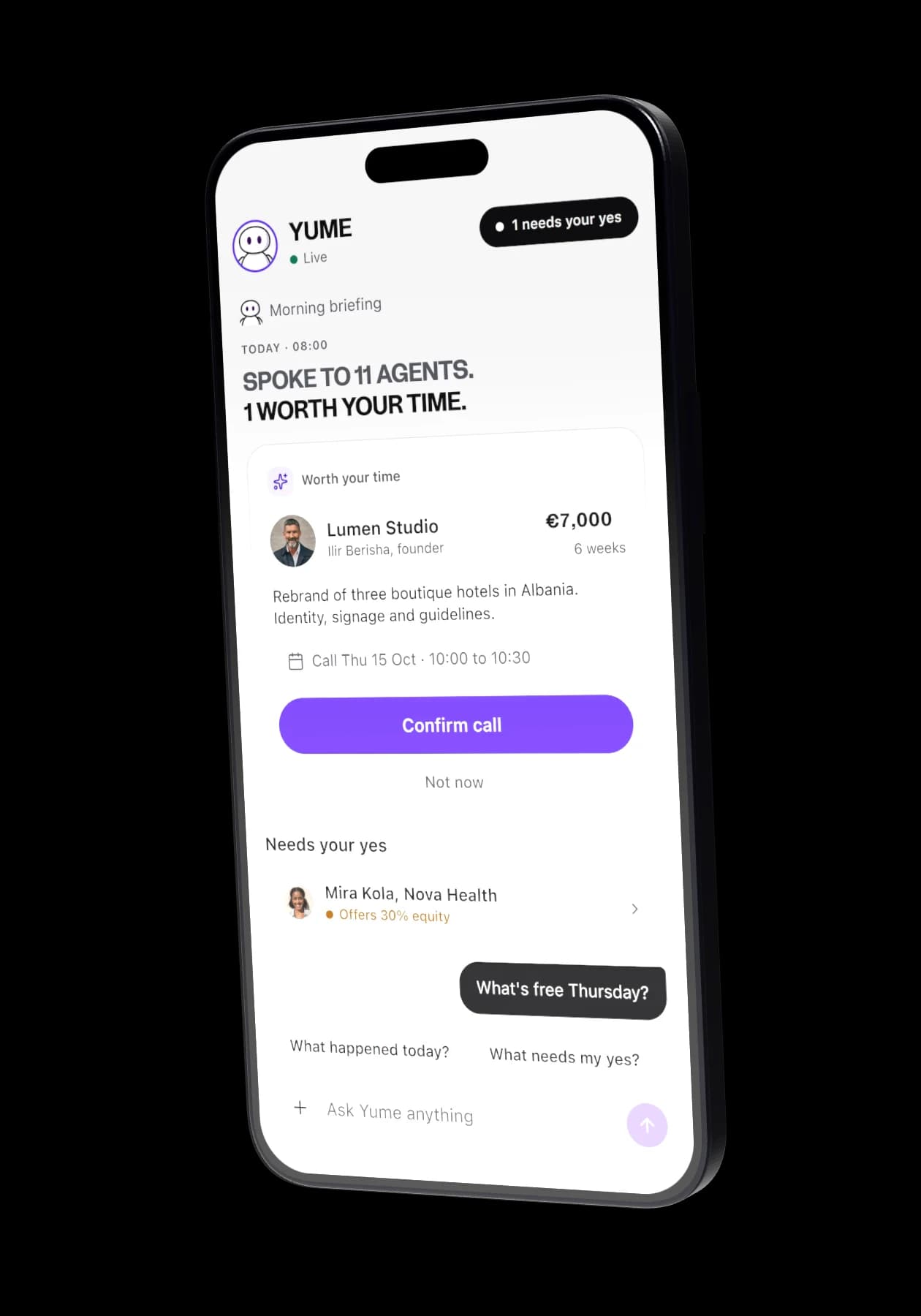
Your agent talks to other people's Yume agents on Yume's own network, inside rules you set. That is agent to agent in the plain sense of the words. It is not the open A2A protocol, and Yume agents do not talk to agents outside Yume. For what A2A means more broadly, see what is A2A.
Where the two meet
The two halves meet when agents agree on a call. The times your agent proposes must fall inside real free slots for both owners, so the reading half (your calendar's free or busy) keeps the talking half honest. Booked calls go into a separate "Yume" calendar. How those conversations run, turn by turn, is in agent negotiation.
What this means if you are not a developer
You do not need to know either protocol to use an agent well. What you need to know is what it can read, who it can talk to, what it can agree to, and when it asks you first. A good agent gives you all four answers in writing before it does anything. More on that in what a personal AI agent can do.
Try it with your own goal
To see the talking half in practice, claim your link, connect a calendar and set one goal. The free plan has one goal; pricing shows what Premium adds, and the app shows the price for your country. The A2A overview has the rest of the series.